

Office network setup for a multi-site business works best when the design is done once, the kit is staged centrally, and the onsite engineer’s job is reduced to installing, patching and testing a build that already works. The comms room, cabling, switching, Wi-Fi and firewall all need planning before anyone travels. Get that right and install day is predictable. Get it wrong and you’re paying an engineer to wait while someone configures a firewall over a mobile hotspot.
This guide is for IT providers and in-house teams opening or refitting offices in several locations, often in countries where they have no engineers of their own. It covers planning, staging and the onsite day, and what to hand the engineer so the job finishes on time.
Plan the office network setup before anyone travels
The planning stage decides almost everything about how install day goes. For each site you want a short design pack that the engineer, the cabling contractor and your remote network team all work from. At minimum it should include:
- A floor plan with the comms room, desk positions, printers and access point locations marked
- Outlet and patch panel numbering, so labels match the drawings
- A rack elevation showing what goes where, with power and cable management
- The logical design: VLANs, IP ranges, DHCP, DNS and the WAN or internet handoff
- Who supplies what: ISP circuit, cabling, hardware, licences and shipping
- Contacts and access details for the building, landlord and ISP
Lead times are the usual cause of slipped dates. Internet circuits in particular can take weeks to arrive, so order them first and get the handoff details (demarc location, router, static IPs) as early as the provider will give them. A temporary 4G or 5G router is worth having in the plan as a fallback.
The comms room: space, power and cooling
In a small office the comms room might be a wall-mounted cabinet in a cupboard. That’s fine if it’s planned. What causes trouble is the cabinet that turns out to be too shallow for the firewall, or the cupboard with one double socket and no ventilation.
Check depth and rack units against the actual kit list, with room to grow. Plan power properly: dedicated circuits where possible, a UPS sized for the switches, firewall and anything else that has to ride through a short outage, and a PDU that suits the plugs on the equipment. Small rooms heat up fast with PoE switches running a dozen access points and phones, so ventilation or cooling belongs in the plan, not a snag list. Make sure the room locks, and that the engineer will have a key on the day.
Cabling: get it certified before kit goes in
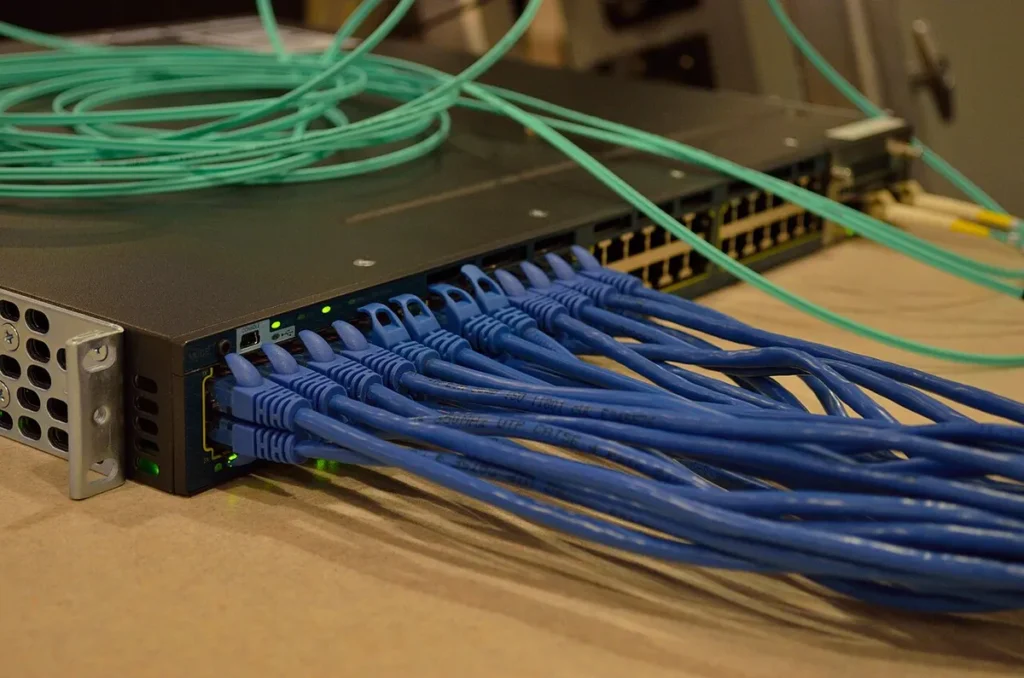
Structured cabling is usually done by a specialist contractor before the network install, and it’s the foundation everything else sits on. Cat6 is the common choice for desk and access point runs, with Cat6A worth considering for access points that will need multi-gig uplinks. Ask for every run to be tested and certified, with results supplied against the outlet numbering in your design pack.
Two checks save a lot of trouble later. First, confirm the access point cable positions match the survey or design, not just a guess at “somewhere on the ceiling grid”. Second, confirm patch panel labels match the floor plan before the engineer arrives. If labelling is wrong on day one, it stays wrong for the life of the office. Our access point installation guide covers what’s needed at the ceiling end.
Switching, Wi-Fi and the firewall
For a typical branch office, the core is a firewall or SD-WAN appliance, one or more access switches with PoE, and a set of access points. Decide early whether the design is cloud-managed or controller-based, because it changes how staging and install day work. Cloud-managed kit can often be claimed to your dashboard before shipping and pick up its configuration when it first connects. Controller-based designs usually need more config on the device before it leaves.
Size the switching for real numbers: desk ports, printers, phones, access points, cameras and spare capacity. Check the PoE budget against the access points and phones you’ll actually deploy, since newer access points can draw more than older switches were designed to supply.
For Wi-Fi, a wireless site survey or at least a predictive design gives you access point positions you can defend. For a template office layout used across many sites, design it once and spot check the variations.
| Component | Decide before staging | Onsite task |
|---|---|---|
| Firewall or SD-WAN | WAN type, policies, VPN, management | Rack, connect circuit, confirm tunnel |
| Switching | Port plan, VLANs, PoE budget, uplinks | Rack, power, patch to port map |
| Wi-Fi | AP model, positions, SSIDs, management | Mount, connect, confirm online |
| Cabling | Outlet numbering, certification | Check labels against drawings |
Staging: build it once, ship it ready
Staging is where multi-site projects save the most time. Configure firewalls and switches centrally, apply firmware, label every device with its site and role, and test the build on a bench before shipping. Ship kit as a single site pack with a packing list, so the engineer can check it on arrival and report anything missing before starting.
If you’re opening several offices on similar layouts, standardise the design and treat it as a rollout: a pilot site first, then waves, with the lessons from the pilot fed back into the template. Our IT rollout checklist covers the project tracking side.
A worked scenario: three offices in three countries
Say you’re opening small offices for a client in Germany, Sweden and the UK over the same quarter, each with around thirty desks, and you have no engineers in two of those countries. The layouts differ, but the network design doesn’t need to.
You build one standard design: the same firewall, switch and access point models, and the same VLAN and SSID structure, with only the IP ranges and site names changing. Each site gets its own design pack built from that template, with its own floor plan, outlet numbering and rack elevation. Circuits are ordered for all three on day one, because the longest lead time sets the earliest go-live date.
The UK office goes first as the pilot. It’s closest to your team, so if the template has a flaw (a port map that doesn’t suit the desk layout, a missing patch lead length, a firewall rule that blocks the phones), you find it there. Those fixes go back into the template before the other two site packs are staged.
Kit for Germany and Sweden is staged centrally, labelled per site and shipped with packing lists, leaving enough time to clear customs. A local engineer in each country does install day on the agreed date, with your network engineer on a call driving the configuration. Both visits follow the same sequence and produce the same report format, so you can compare the three sites line by line. When the third goes live, you have three offices built and documented the same way, which is what makes them cheap to support afterwards.
Multi-country details that catch projects out
The technical design travels well. It’s the local details that slip dates.
Circuits and handoffs
Internet providers differ by country in lead times, how they hand off the circuit and whether they install their own router. Get the handoff details in writing early: where the demarc is, what the engineer will plug into, and any static IPs or connection settings your team needs. Keep circuit credentials out of the ticket and pass them to your own network engineer directly.
Power and plugs
Socket types and PDU connectors vary, and a UPS or PDU bought for one country may not suit another. Check the local socket type in each comms room and order power cables per site, not as one batch for everyone.
Shipping and customs
Network kit sent across borders can sit in customs for days. Agree who’s acting as importer, supply accurate paperwork, and build that time into the plan. Parts and spares are shipped by you or your vendor, so make sure a spare set of patch leads and any optics travel with the site pack.
Building rules and language
Landlords often control access to risers, roof space and shared comms rooms, and some need notice or a named visitor list. Building staff may not speak English, so a local engineer who speaks the language saves time at reception and with the facilities team.
Time zones
Install day needs your network engineer and the onsite engineer working at the same time. For sites several hours away, agree the call window first and book the visit around it, using a scheduled out-of-hours slot if that’s what suits both sides.
Install day on site
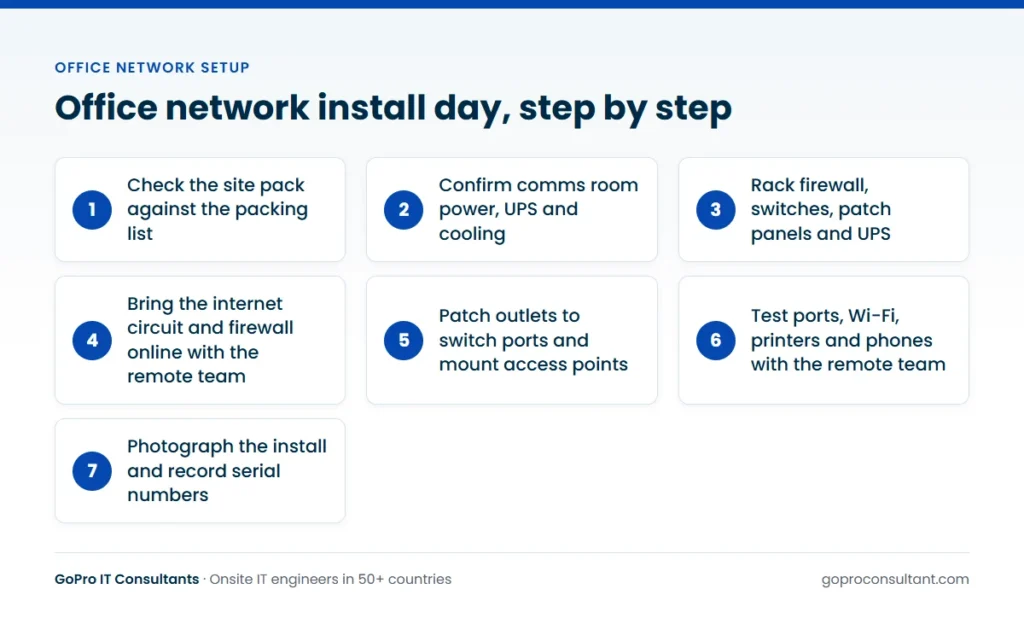
With planning and staging done, the onsite engineer’s day becomes a sequence rather than a puzzle:
- Check the site pack against the packing list and note any damage or shortages
- Confirm comms room power, UPS and cooling are in place
- Rack the firewall, switches, patch panels and UPS, and dress the cables
- Connect the internet circuit and bring the firewall online with the remote team
- Patch outlets to switch ports against the port map
- Mount and connect access points, and confirm each one appears in management
- Test desk ports, Wi-Fi, printers and phones with the remote team
- Photograph the rack, the comms room and each access point, and record serial numbers
Most of the configuration work happens remotely. The engineer is the hands on site, and your network engineer drives the console or dashboard. Agree a call time before the visit so both sides are available together.
Who does what on an office network project
| Party | Typical responsibilities |
|---|---|
| You (the IT provider) | Design, staging, configuration, project tracking, client communication |
| End client | Lease and landlord contact, comms room space, desk layout, sign-off |
| ISP | Circuit delivery, router or handoff, static IPs |
| Cabling contractor | Outlets, patch panels, certification results |
| Onsite engineer | Kit check, racking, patching, access point mounting, testing with your team, photos and report |
| Vendor or distributor | Hardware delivery, replacements for faulty or damaged units |
Agree this split before ordering anything, then put it in the design pack so each party can see where their part starts and stops.
Common mistakes on multi-site office builds
- Treating each site as a one-off design, so every install day becomes a new puzzle
- Ordering circuits last, after the kit has already arrived on site
- Staging on the bench without the real port map, so patching on site doesn’t match the plan
- Shipping kit without a packing list, so shortages only show up halfway through the install
- Forgetting the comms room key, the lift booking or the landlord’s permit for the day
- Booking the onsite engineer for a time your own network engineer isn’t available
- Skipping the pilot and finding the template’s flaws on every site at once
- Closing the project without photos and serial numbers, which leaves support guessing later
Each of these is cheap to prevent in planning and expensive to fix on site. If a wall cabinet or rack is part of the build, our guide to network cabinet setup covers that side in detail.
Handover and what comes after
Before the engineer leaves, agree what “done” looks like: devices online, test results recorded, outstanding items listed with owners. With GoPro IT Consultants, every visit gets a site visit report within 24 hours with photos, serial numbers, work done and anything outstanding. If a fault needs a part or a second visit, that’s recorded and raised as a new ticket.
After go-live, offices need ongoing support: moves and changes, failed hardware, new staff. For business network installation across many sites, it often makes sense to keep the same engineer network for follow-on work and managed network services, so the people who installed it are the ones who come back. When a switch fails or needs replacing later, our guide to network switch installation sets out what the onsite engineer does. Treat the first office network installation as the template, and every site after it gets easier.
How GoPro IT Consultants supports new offices
Our engineer network covers 50+ countries, and we’ve delivered onsite work in 40+ countries in 2026, so one partner can handle install days across a multi-country programme with one reporting format. Engineers are screened and briefed before each job, work under your brand on a white-label basis, and follow your staged plan on the agreed date, including nights and weekends. If an engineer can’t attend, a backup is assigned and you’re told straight away. Our global coverage page shows where engineers are available, and you can start with a single pilot site and no minimum commitment.
Frequently asked questions
Who should configure the firewall and switches, the onsite engineer or our team?
Usually your network team, before shipping. The onsite engineer racks, patches and connects the kit, then works with your team remotely to bring it online and test it.
What happens if kit arrives damaged or missing?
The engineer checks the site pack on arrival and reports shortages or damage straight away. Parts are shipped by you or your vendor, and if a return visit is needed it's raised as a new ticket.
Can the same engineer network handle several countries?
Yes. The engineer network covers 50+ countries, so a multi-site project can use one point of contact and one reporting format across locations.
Can install day happen outside office hours?
Yes. Visits can be scheduled on an agreed date and time, including nights and weekends, which suits sites that are already open or have building access restrictions.
Opening offices where you have no engineers?
Our engineer network covers 50+ countries and installs staged kit under your brand. Start with one pilot site.
Plan a pilot site