
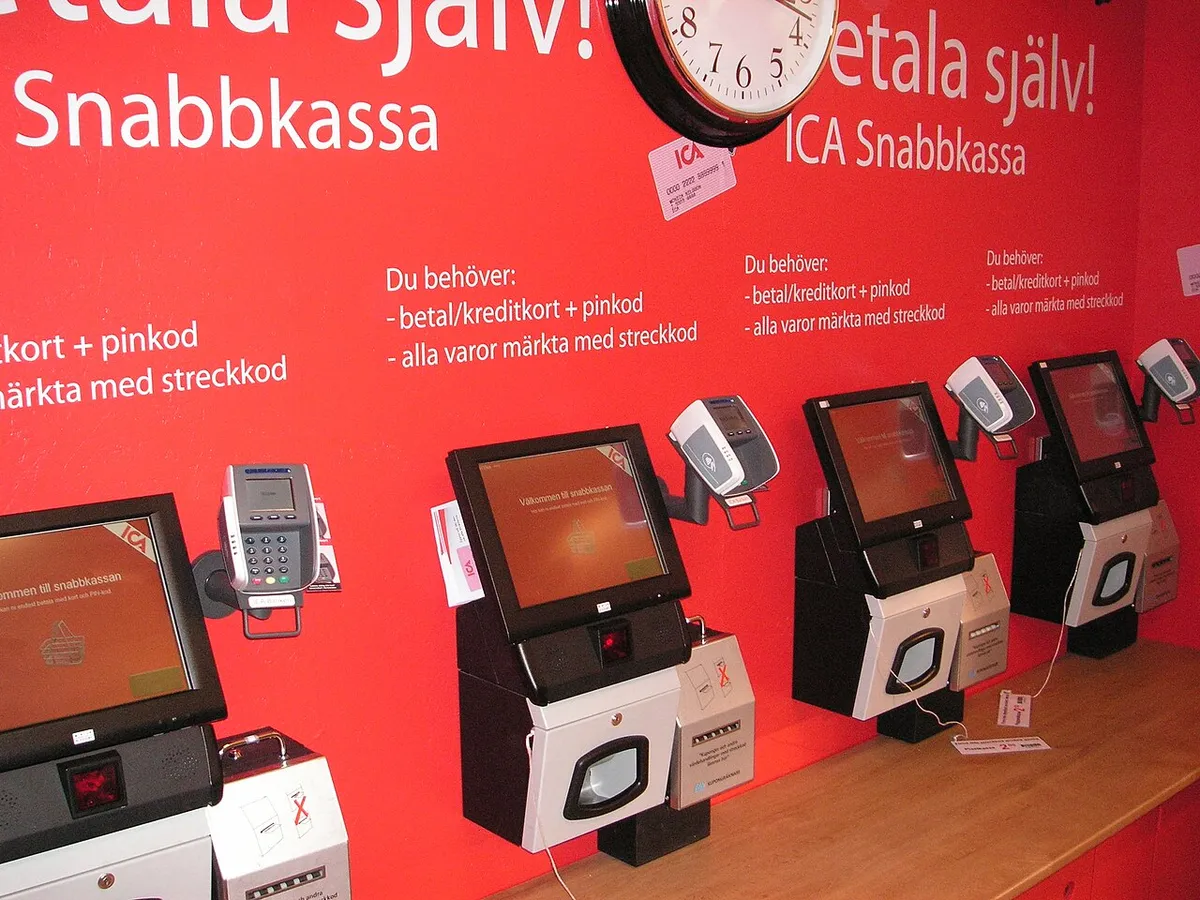
Most EPOS installations in a store rollout happen in a short window: after close, before opening, or overnight. There’s no time to work out the plan on site. This checklist is the on-the-night version, from the day-before calls to the handover note for the opening manager, written so you can drop it into an engineer brief and adapt it to your POS platform.
It assumes the programme is already planned (pilot done, waves booked, kit shipped). For that earlier stage, the IT rollout checklist covers the planning work that applies to any estate.
The day before: confirm, don’t assume
Many failed visits are decided before the engineer leaves home. Run through these the day before every store:
- Kit delivered and complete, ideally with a photo of the boxes in the stockroom.
- Name and phone number of the person letting the engineer in, and the alarm or key process.
- Access time and the time the store must be trading again.
- POS vendor support window booked, with a reference number and out-of-hours contact.
- Lane plan sent: which counter gets which terminal, printer, drawer, scanner and scale.
- Comms cabinet location and key, and confirmation there are spare switch ports.
- Instructions for old kit: return, hold for collection, or disposal.
If any of these is missing, it’s usually cheaper to move the visit than to send the engineer and hope.
What the engineer should carry
A store at midnight has no supplier to borrow from, so the kit bag decides how many small problems get solved on the spot. Beyond a normal toolkit, the useful extras for a till night are spare patch leads in a couple of lengths, cable ties and a cable label printer (or pre-printed labels for lane and port), and a selection of mounting screws, because terminal mounts and VESA brackets have a habit of arriving with the wrong ones.
Add a laptop with the vendor’s tools if the brief needs them, a network tester to prove a dead drop rather than guess at it, a torch for cabinets in dark stockrooms, and a phone with enough charge and data to send photos all night. Bags and labels for old kit save a lot of time at the end. So does a printed copy of the lane plan and test script, in case the store’s Wi-Fi or mobile signal is poor at the back of the building.
On arrival: walk the store before touching anything
The first fifteen minutes set up the whole night. The engineer should sign in, introduce themselves to the site contact (under your brand if it’s a white-label job) and then walk the store before unpacking.
- Check the delivery against the site pack and note anything missing or damaged.
- Photograph each lane and the comms cabinet as found.
- Confirm the lane plan matches the counters actually in the store.
- Check power at each counter: enough sockets, no daisy-chained extension leads.
- Check network: live drop at each lane, spare switch ports, patch leads to hand.
- Call the vendor’s support desk to confirm they’re ready for testing later.
Anything that will stop a lane going live (a dead network drop, a missing scale, no cabinet key) gets reported to you now, not at the end of the night.
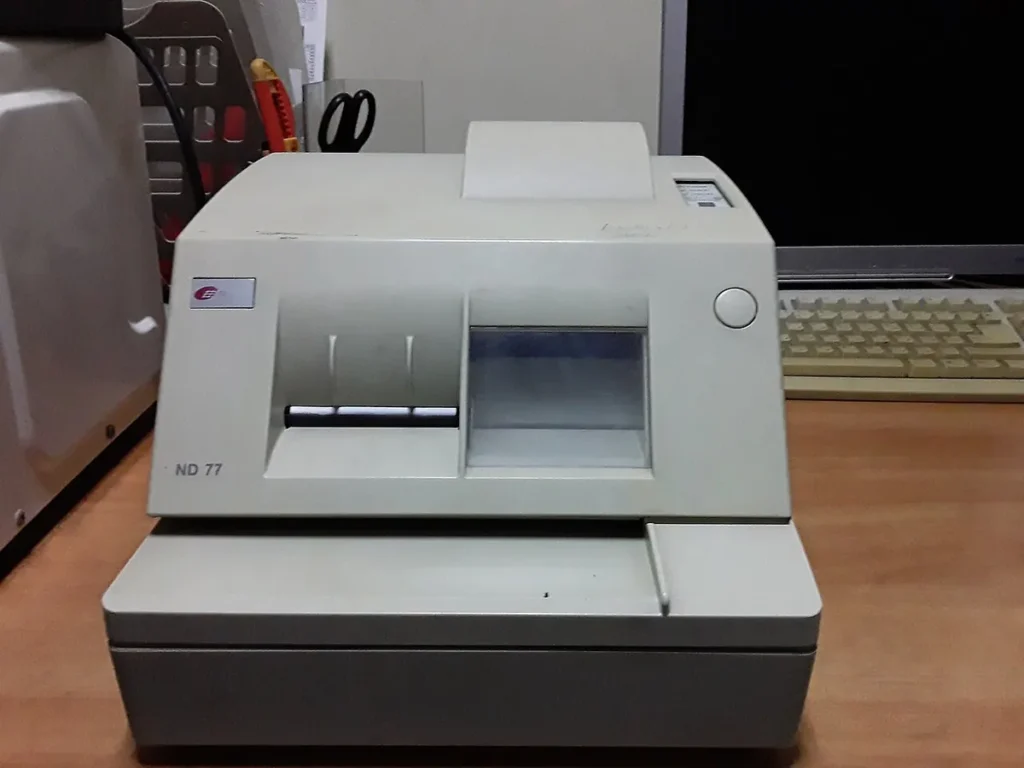
Lane by lane: the EPOS system installation itself
Work one lane at a time and finish it before starting the next. If the store has to trade during or soon after the install, leave at least one old till working until the new lanes are proven. For each lane, the work runs in this order.
Remove the old kit
Power down, disconnect and record the serial numbers of the old terminal, printer, drawer, scanner and card reader. Label each item with store and lane, and bag the cables with it. Card readers often have their own return process set by whoever owns them, so follow the brief rather than packing them with everything else.
Mount and connect the new kit
Mount the terminal and any customer display, then connect the receipt printer, the cash drawer (normally driven from the printer), the scanner and, on weighed-goods counters, the scale. Pair or cable the card reader as the brief says. Record every new serial number against its lane as it goes in. Route and tie cables so nothing sits under a cashier’s feet or across the drawer.
Network and power
Patch the lane back to the comms cabinet, label both ends and confirm link, IP address and the right VLAN. Connect the UPS if one is specified. A neat cabinet matters here: the next engineer to visit needs to know which port is which lane.
Testing with the POS vendor
A lane isn’t done until it has passed the test script with the vendor’s support desk. A sensible minimum per lane:
| Test | What it proves |
|---|---|
| Log in as a store user | Terminal is enrolled and talking to the POS back end |
| Scan and weigh items | Scanner and scale are read correctly |
| Cash sale with drawer open | Printer prints and fires the drawer |
| Card sale | Card reader is paired and completes a transaction |
| Refund or void | Reversal flow and receipt work |
| Vendor remote check | Support desk sees the lane as live |
Use the vendor’s agreed test card or test mode where one exists, and follow the store’s process for voiding any test transactions. Note the support desk reference against each lane in the report.
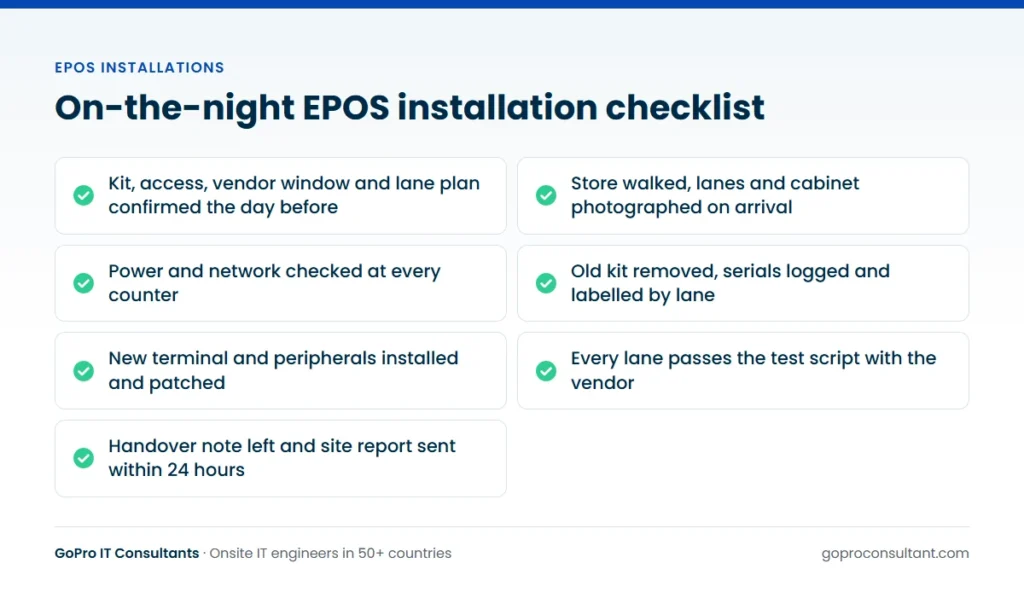
Pacing the night: a worked timeline
Without a time plan, the last lane always gets squeezed. Say a four-lane store gives access at 10pm and must be trading at 6am, with the vendor’s desk booked for the whole window. A workable plan for one engineer looks something like this:
| Time | Task | Decision point |
|---|---|---|
| 10:00pm | Arrive, sign in, walk the store, photograph as found | Report any blocker now |
| 10:30pm | Lane 1: remove old kit, install, patch, test | Lane 1 proves the build and the test script |
| Midnight | Lanes 2 and 3, one at a time | Compare progress with the plan |
| 2:30am | Lane 4 | Cut-off for starting any new lane |
| 4:00am | Retest all lanes, fix stragglers or roll back | Every lane either live or back on old kit |
| 5:00am | Photos, old kit stacked, handover note | Coordinator told the store’s status |
| 5:30am | Keys back, alarm set, leave | Store ready to trade |
The times will differ for your kit and stores. What matters is the cut-off. Agree a latest time to start a new lane, leaving enough of the window to roll back if it fails testing. An engineer who starts the last lane with forty minutes to go is gambling with the store’s opening. The first lane also deserves extra time: it’s where a wrong printer setting or a missing driver shows up, and once it’s fixed the other lanes go faster.
Who needs to be reachable during EPOS installations
An engineer on site at 2am can only fix what’s in front of them. Everything else depends on somebody answering the phone. Before each night, the brief should list a named contact and number for each of these:
- Your rollout coordinator: decides whether to close a lane, swap kit between lanes or abandon the night.
- POS vendor support: runs the remote checks, enrols terminals and confirms each lane is live.
- Network team: changes a switch port or VLAN if a lane won’t get an address.
- Store or area manager: agrees to leave a lane closed or keep an old till trading.
If any of them can’t be reached in the install window, write down what the engineer should do by default. A clear default (“put the old till back and report it”) beats an engineer waiting an hour for a decision.
When a lane fails
Sometimes a lane won’t go live on the night: a faulty printer out of the box, a scale with the wrong cable, a card reader the vendor can’t activate. Don’t let the engineer improvise a fix that leaves the store in an unknown state. The usual options are to put the old kit back on that lane, or leave it closed with the store’s agreement, then record what was found and what’s needed. The return visit becomes a new ticket once parts or vendor action are in place.
That same discipline applies to any pos machine installation in a live store: the store must be able to trade in the morning, even if not every lane is new.
Mistakes that cost lanes on the night
Most lanes lost on install nights aren’t lost to faulty hardware. They’re lost to small process slips that add up through the shift.
Stripping every lane before installing any
It feels efficient to clear all the old kit first. It means that if the new build has a problem, every lane is down at once and there’s nothing to roll back to quickly. Finish and test one lane before touching the next.
Logging serial numbers at the end
By 5am, a pile of old printers all look the same. Serials recorded at the end of the night end up against the wrong lane, which breaks the asset record and the disposal trail. Record each serial as the device comes off or goes on.
Labelling only one end of a patch lead
A lead labelled at the counter but not in the cabinet saves a minute tonight and costs the next engineer half an hour. Label both ends, and photograph the cabinet after patching.
Leaving testing until every lane is built
If the vendor’s desk finds an enrolment problem at 4am that affects every terminal, there’s no time left to deal with it. Test each lane as it’s finished, so a systemic problem shows up on lane one.
Silence until the report
An engineer who hits a blocker at 11pm and mentions it in the next day’s report has taken the decision away from the coordinator. Anything that threatens a lane should be phoned or messaged in at the time.
Before leaving: handover, old kit and the report
- Photograph each finished lane and the cabinet.
- Leave a handover note for the opening manager: live lanes, anything outstanding, who to call.
- Stack the old kit, labelled and logged, where the brief says, and clear packaging.
- Hand back keys and reset the alarm under the store’s process.
- Send the site visit report within 24 hours: photos, serial numbers in and out, tests passed, open items.
If old kit is being retired, routing it through IT asset disposition with certified recycling partners gives you a disposal record that matches the serial numbers logged on the night.
What a finished store looks like
Agree the acceptance criteria before the first wave, so “done” means the same thing in every store and every report. A sensible definition is that every lane in the plan has either passed the full test script with the vendor’s desk or been rolled back to old kit with the store’s agreement, and the open item is written up. The cabinet is patched, labelled and photographed. Old kit is logged by serial and lane and stored where the brief says. The opening manager has the handover note.
The site visit report is the evidence. It should let someone who wasn’t there answer three questions: what’s on each counter now, what came off it, and what’s still to do. If a report can’t answer those, the store isn’t closed on the tracker, however well the night went. Sign-off then sits with you or your client, not with the engineer.
Running several stores on the same night
Once waves are under way, it’s common to have several EPOS installations running at once in different towns. The checklist for each store stays the same, but the coordination around it changes.
Stagger the start times if the vendor’s desk is shared across stores, so five engineers don’t all reach testing at 11pm and queue for the same support line. Give the coordinator one place to see every store’s status through the night, whether that’s a shared tracker or a group channel, and agree a short format for updates: store, lane, status, blocker. Make sure the network team is on call for the whole window, because a VLAN change for one store shouldn’t wait behind another store’s problem. Our managed network services can cover that side where the store network sits with us.
The morning after, review every store together rather than one by one. If three stores in the same format lost the same lane for the same reason, the brief needs changing before the next night, not after the next wave. When you’re choosing who supplies engineers at that scale, how to choose POS installation companies covers what to test before you commit.
We run EPOS installations against this kind of checklist through our EPOS installation and support service, scheduled for nights and weekends as needed, and as part of wider multi-site rollouts. For the bigger picture of what the service covers, see POS installation services for multi-site retail.
Frequently asked questions
How long does each lane take to install?
It depends on the kit per lane, the state of the store's network and power, and how quickly the vendor's support desk can run tests. A pilot store is the best way to measure it for your own estate.
Can the engineer use our own checklist and report template?
Yes. Engineers can work to your brief, your test script and your report template, and under your brand if needed.
What if the store contact doesn't turn up to let the engineer in?
The engineer reports it straight away so you can reach the store or reschedule. The brief should name a backup contact for out-of-hours access.
Should test transactions use real cards?
Follow the POS vendor's or acquirer's guidance. Use their test card or test mode where one exists, and void any test sales under the store's own process.
Need engineers for overnight EPOS installs?
We schedule visits on an agreed date and time, including nights and weekends, with a report within 24 hours.
Talk to us